Feature Introduction
Introducing the Features of the Cloud BOT That Enables Web Automation
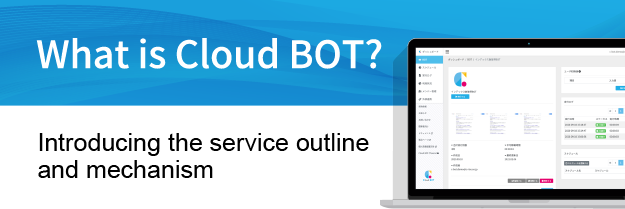
Cloud BOT offers a wide range of automation features in the cloud, including the creation of automation BOT, scheduled or event-triggered executions, member management, integration with external services, and AI utilization.This page introduces the key features of Cloud BOT.

RPA- Automate routine screen operations
Browser RPA
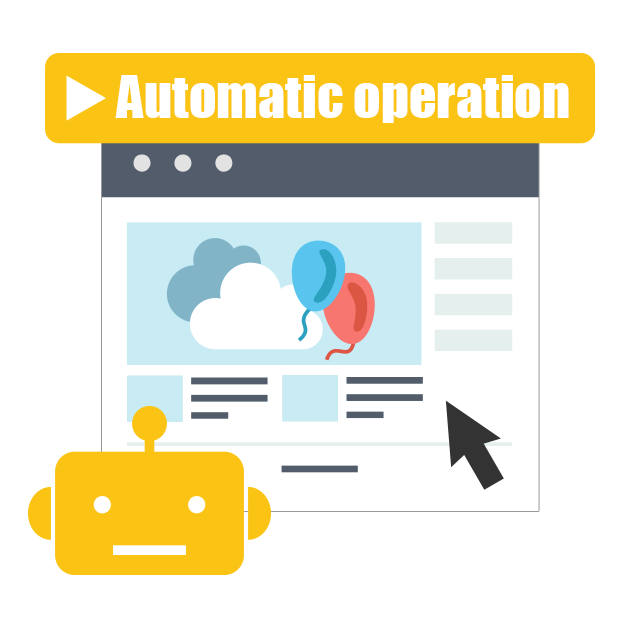
This is a "BOT" feature that records browser operations and executes them automatically. It automates routine on-screen tasks such as data entry into web systems and file operations.
API Integration- Automate data and business processes
Flow
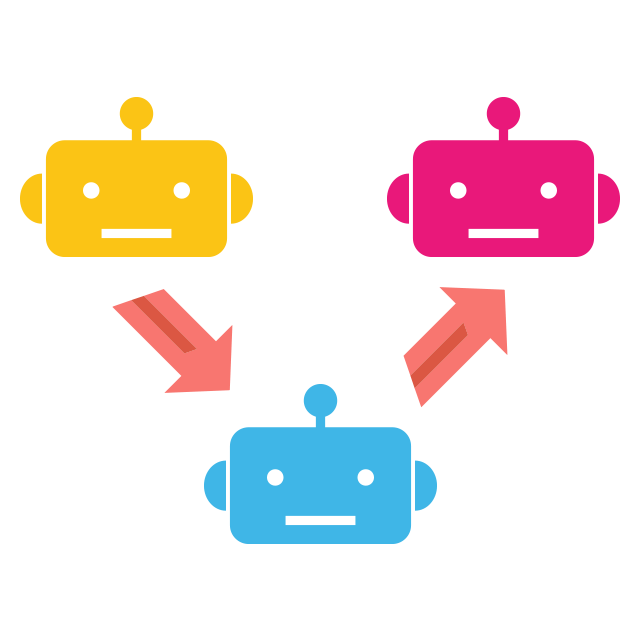
This is a "BOT" feature that connects multiple BOTs and executes them in sequence. It automates an entire business workflow.
API Execution
This is a "BOT" feature that calls APIs provided by various services. Combined with Flow, it enables data integration between services.
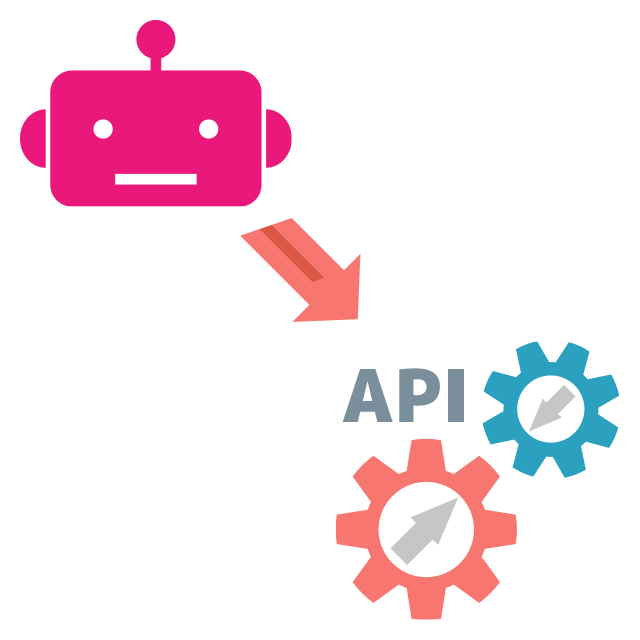
API Call
AI- Features using AI
AI Symbol

Execution Features- How to execute BOT
Various execution methods support different business scenarios. Use triggers to seamlessly embed automation into workflows.
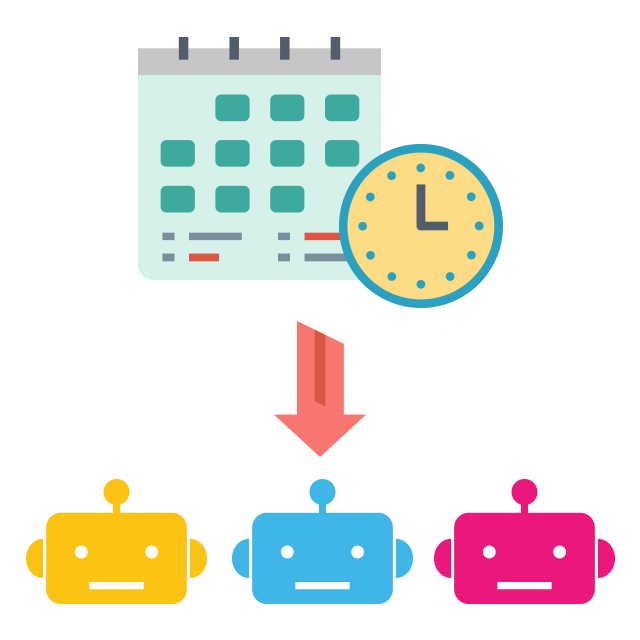
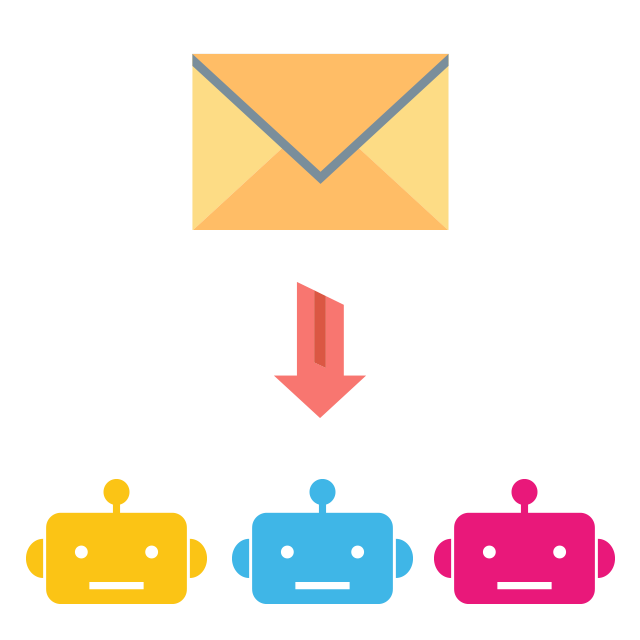
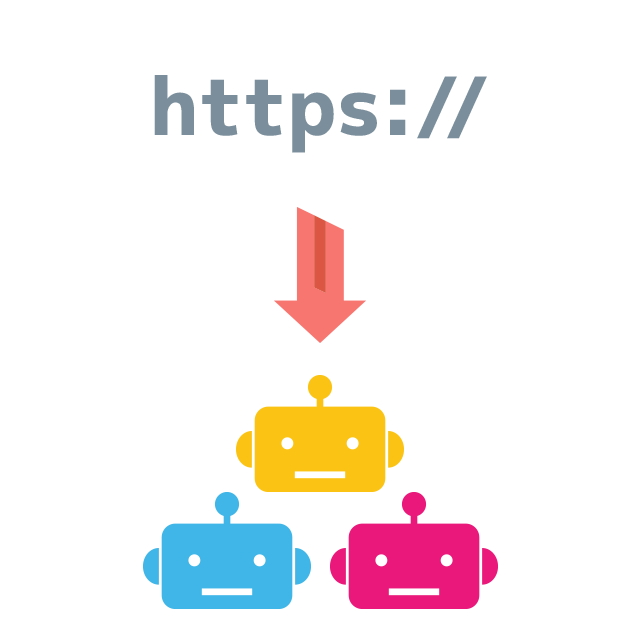
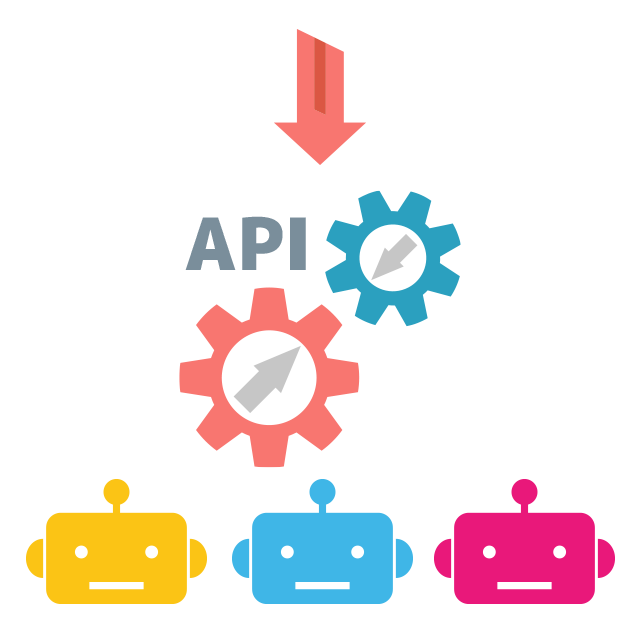
External Integration- Integration with various services
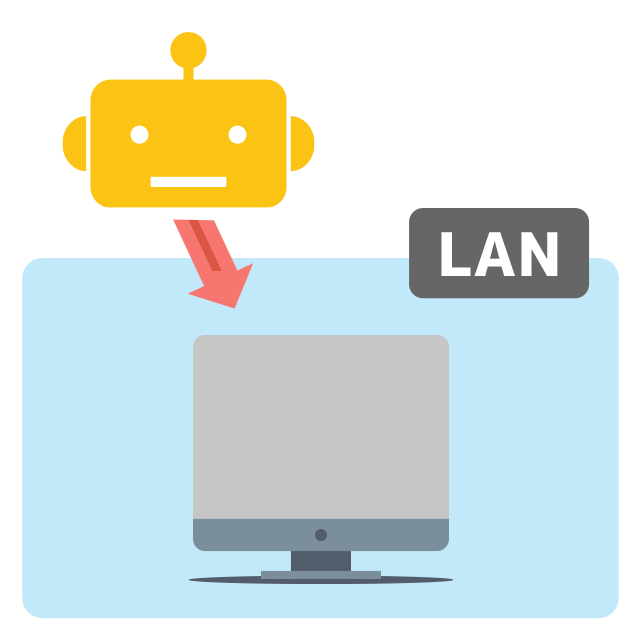
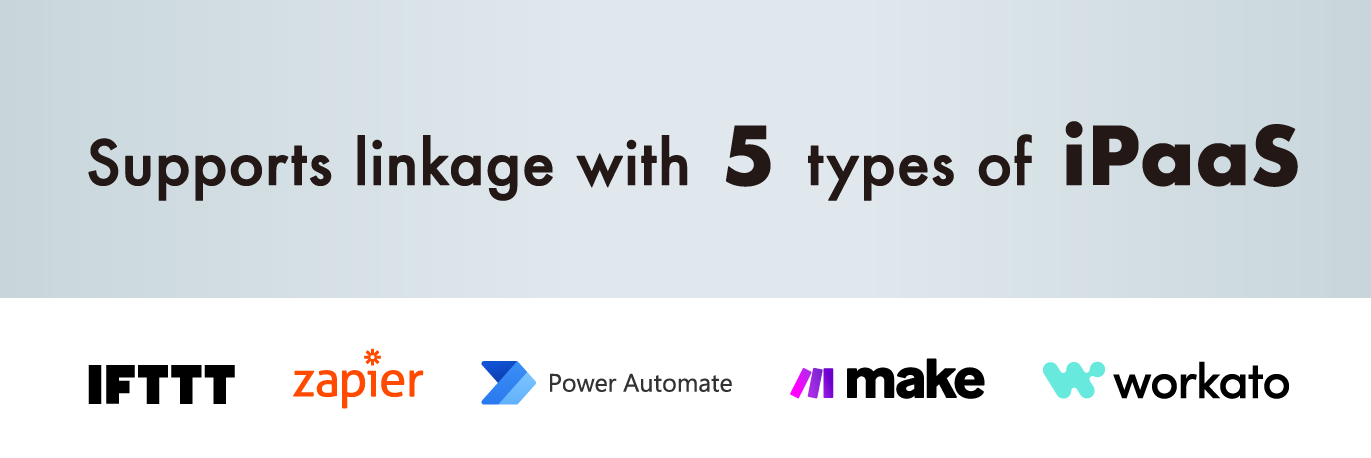
Run BOT from external services or send results to external services. Seamlessly automate workflows across services.
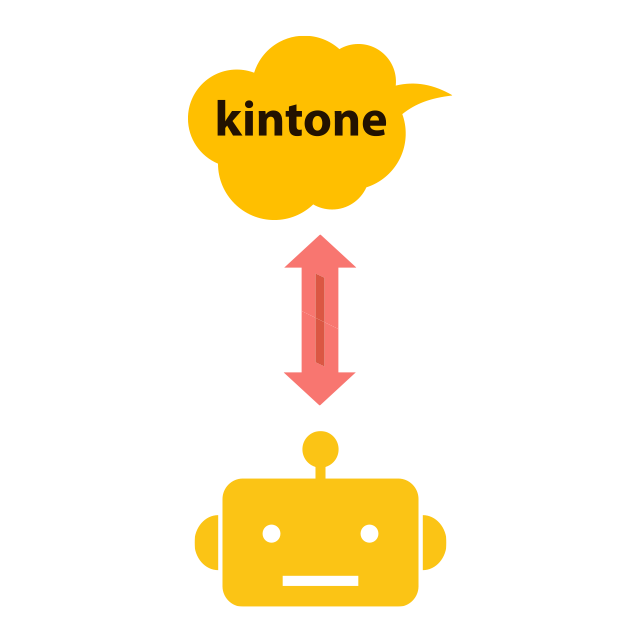
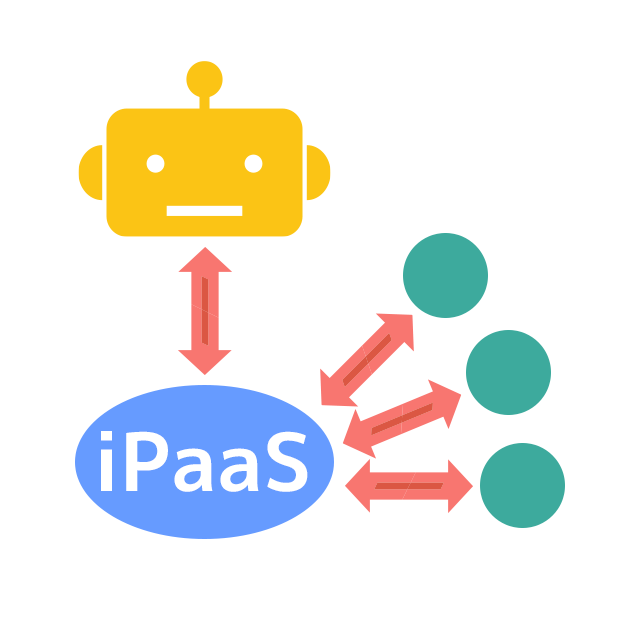
Management Features- Management features to support operation
Includes management functions to ensure smooth operation of automation.
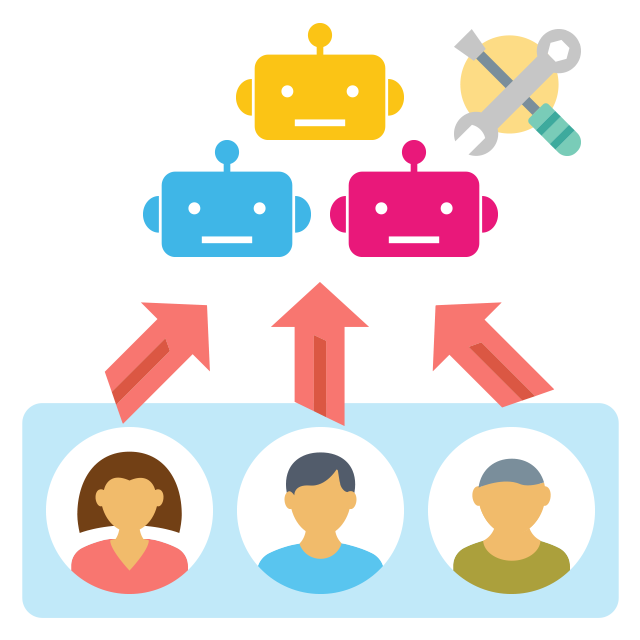

- News&Topics
-
[Important] [Effective October 1] Changes to Your Contract Details Following the Integration of BOT Execution Time into Transactions2026.09.01
-
Notice of Changes to the Execution Log Retention Period for the Community Plan2026.09.01
-
Cloud BOT Gateway version 10.1.5 has been released.2026.08.04
-
Storage Usage Alert Email Notifications Now Available2026.07.30
-
Notice Regarding the Unification of Usage Units2026.07.29