About Cloud BOT
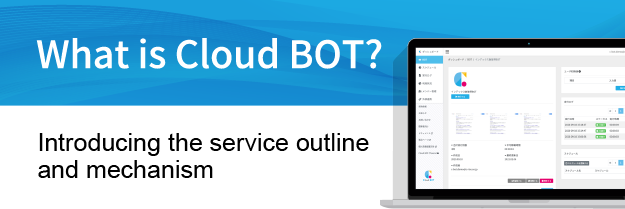
What is Cloud BOT?
Everyday web tasks — entering and downloading data on websites, exchanging data between multiple systems, and more — take time and effort to do by hand, yet building API integrations takes cost and time. Does that sound familiar?
Cloud BOT is a web automation platform that automates these everyday web tasks.
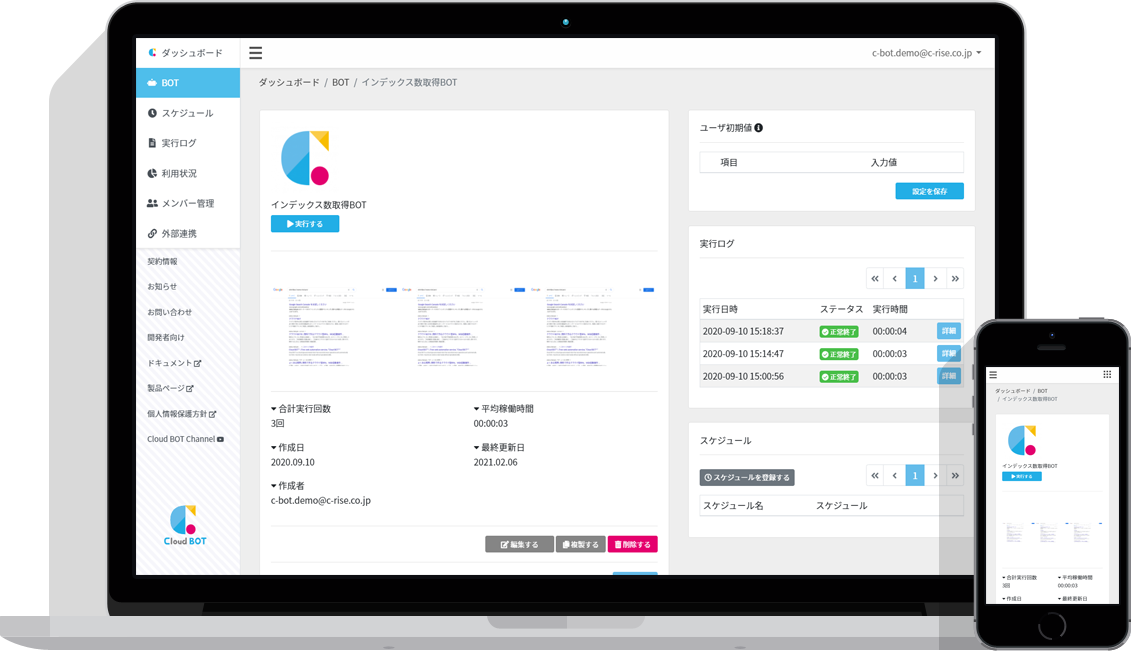
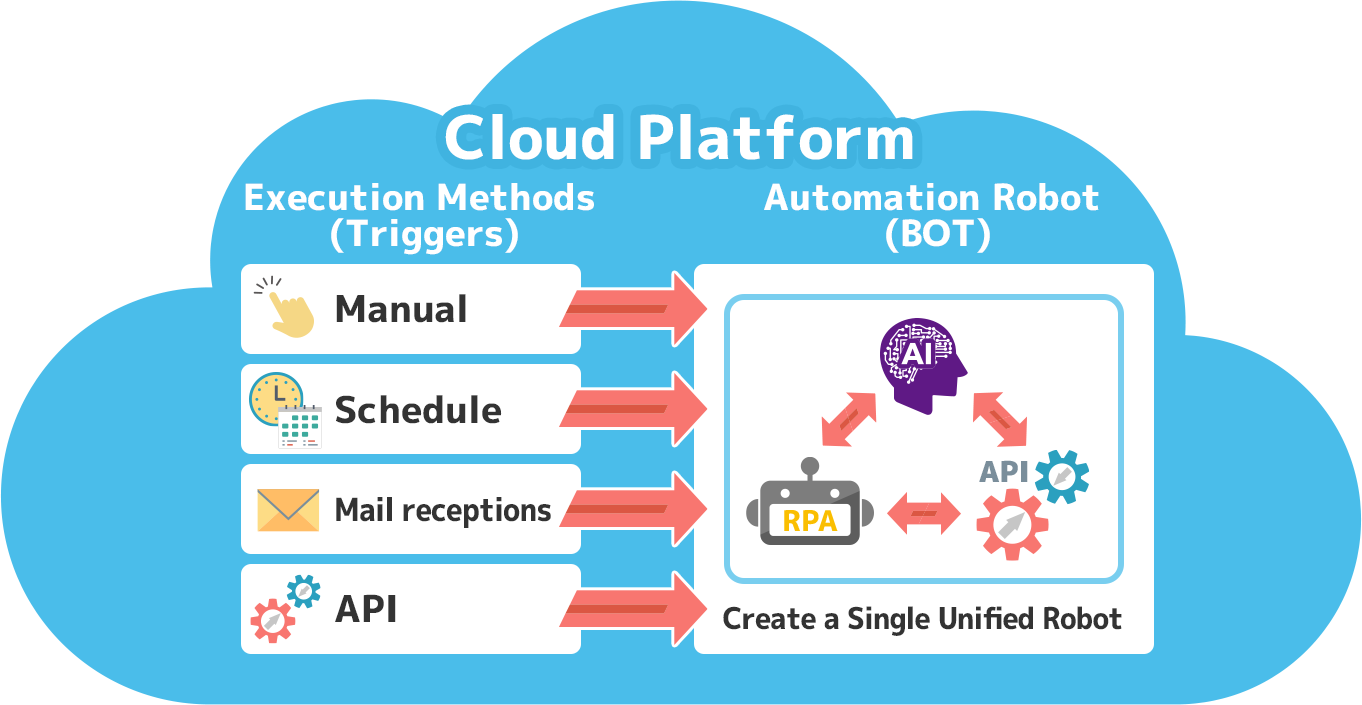
By freely combining RPA, API integration, and AI features, you can create automation robots (BOTs) tailored to your business needs. Since BOTs run on the cloud, no local PC is required, and they operate reliably 24 hours a day, 365 days a year.
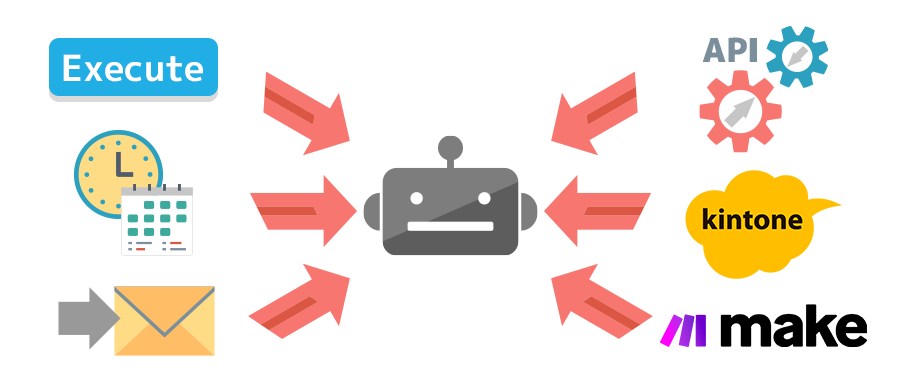
Execution isn't limited to manual runs — BOTs support a variety of triggers, including email reception, scheduling, and API calls. With an intuitive UI, anyone can build automation easily, even without engineering experience.
Execution isn't limited to manual runs — BOTs support a variety of triggers, including email reception, scheduling, and API calls. With an intuitive UI, anyone can build automation easily, even without engineering experience.
Automation robots built from three features
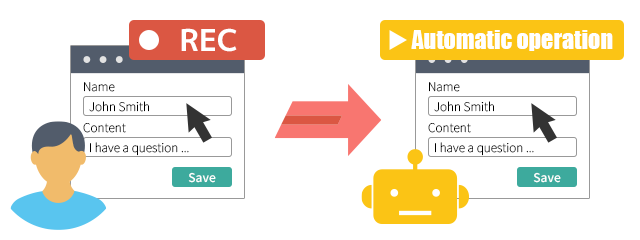
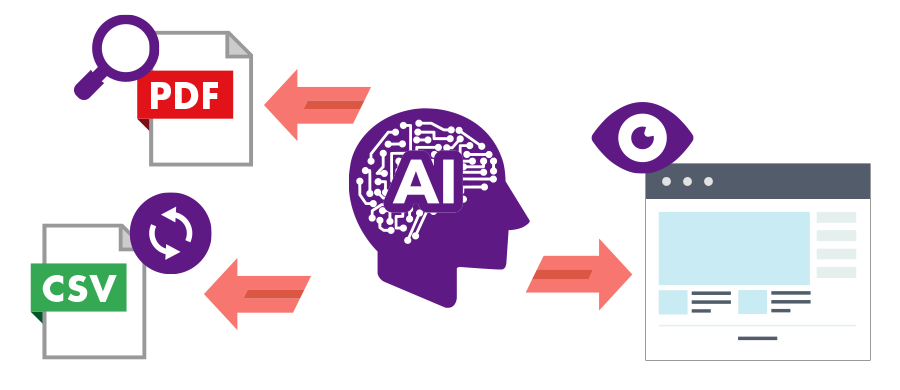
Cloud BOT's automation is made up of three features: "Browser RPA," "AI," and "API Integration." By using them individually or in combination, you can build BOTs suited to your business — from operating web screens to analyzing data and connecting systems.
Launch automation robots with a variety of execution triggers
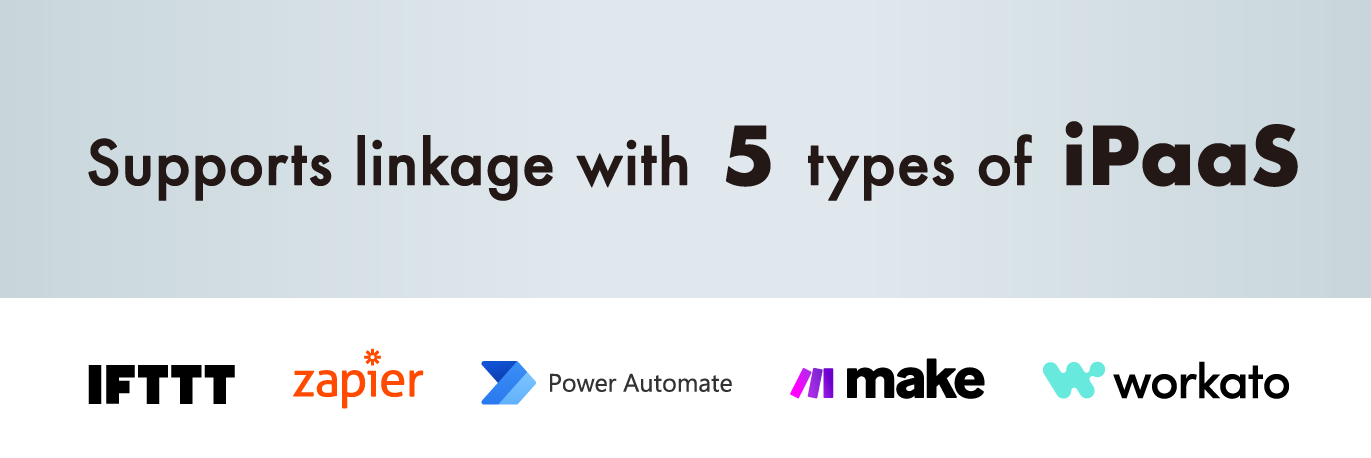
In addition to manual execution via a button click on the service screen, Cloud BOT provides a variety of execution triggers, including scheduled execution at specified dates and intervals, execution triggered by receiving a specific email, and execution via external API requests. Cloud BOT can also integrate with external services such as kintone and iPaaS, allowing BOTs to be triggered by actions on those services.
Use Cases
Automate file data entry work
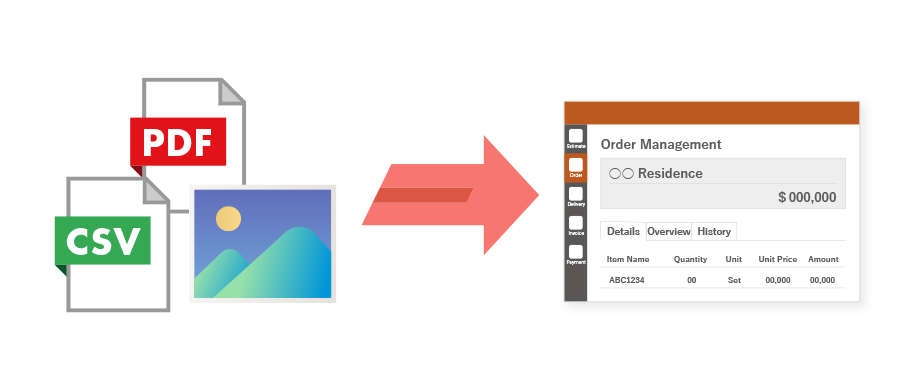
"Browser RPA" automates data entry into web screens, while "AI" enables highly accurate analysis and extraction of data from PDFs, images, and CSV files.
Scene 1.
Automate CSV file integration work
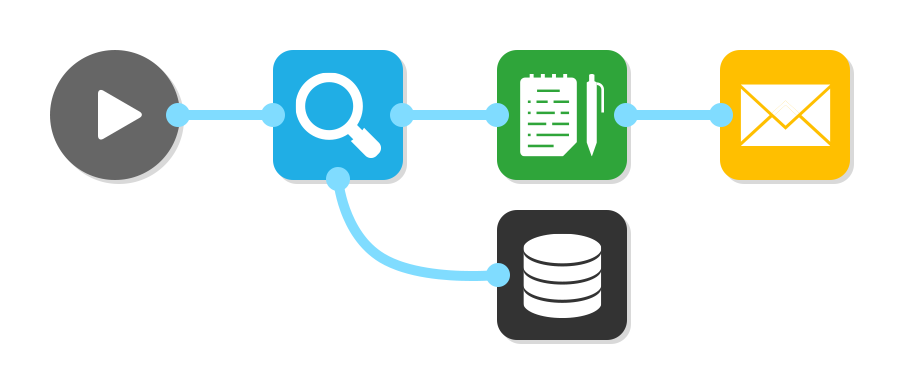
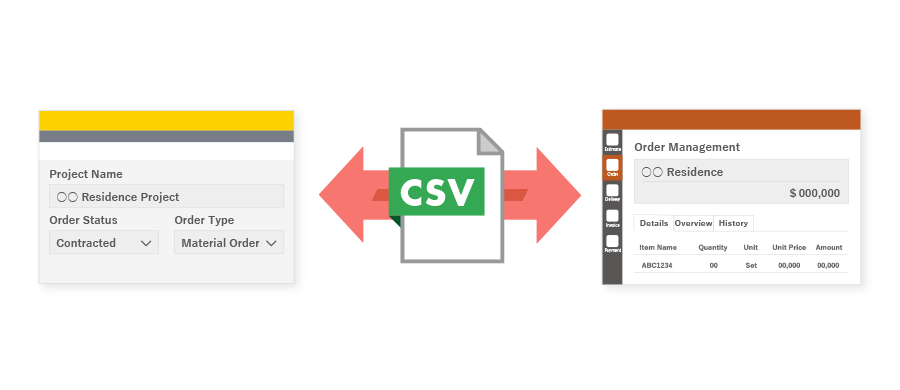
Even between systems without API integration, you can achieve data linkage without any API development. "Browser RPA" automates file downloads and uploads as well as registration and updates on web services, and "AI" automatically corrects any differences in CSV formats — automating the entire workflow.
Scene 2.

- News&Topics
-
[Important] [Effective October 1] Changes to Your Contract Details Following the Integration of BOT Execution Time into Transactions2026.09.01
-
Notice of Changes to the Execution Log Retention Period for the Community Plan2026.09.01
-
Cloud BOT Gateway version 10.1.5 has been released.2026.08.04
-
Storage Usage Alert Email Notifications Now Available2026.07.30
-
Notice Regarding the Unification of Usage Units2026.07.29